Can I afford this? Ask CIBI before you pay.
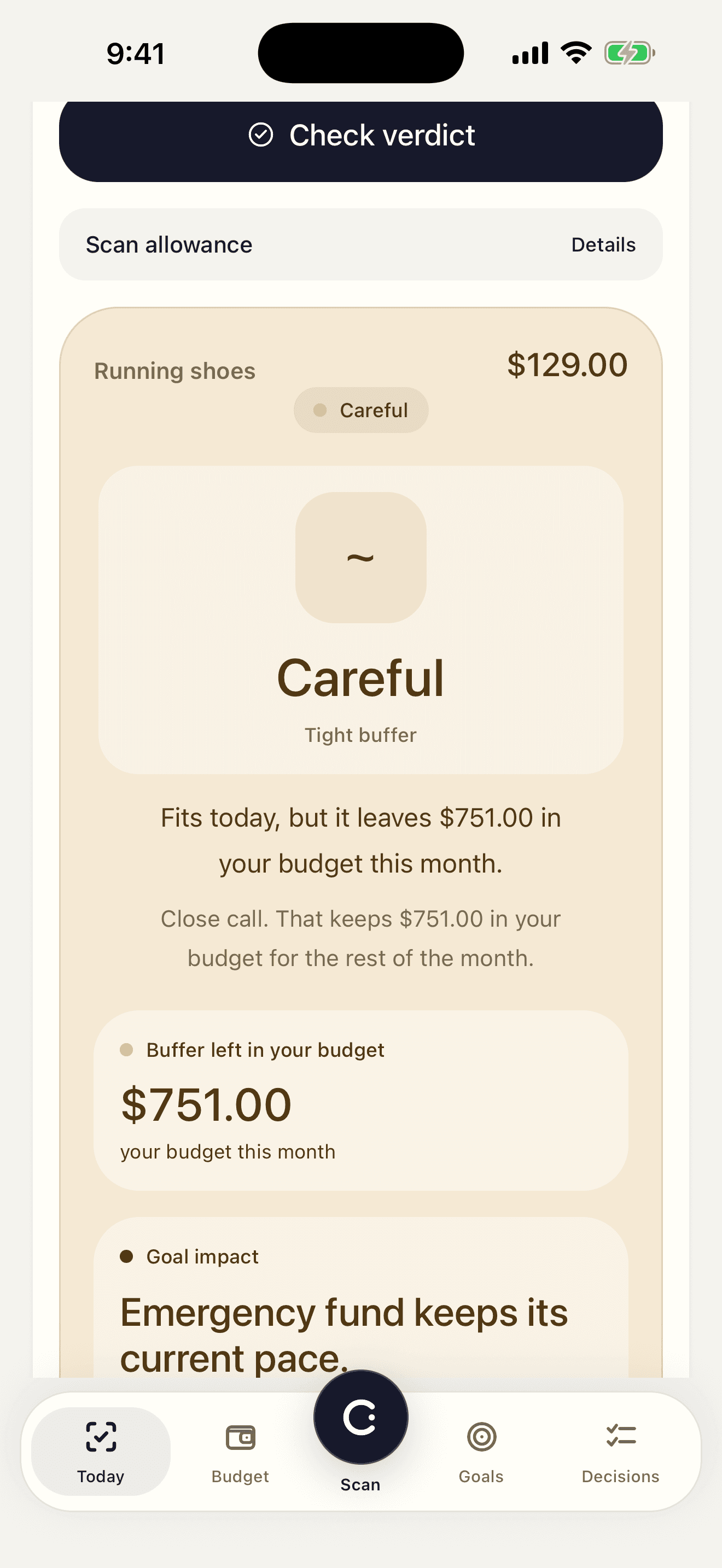
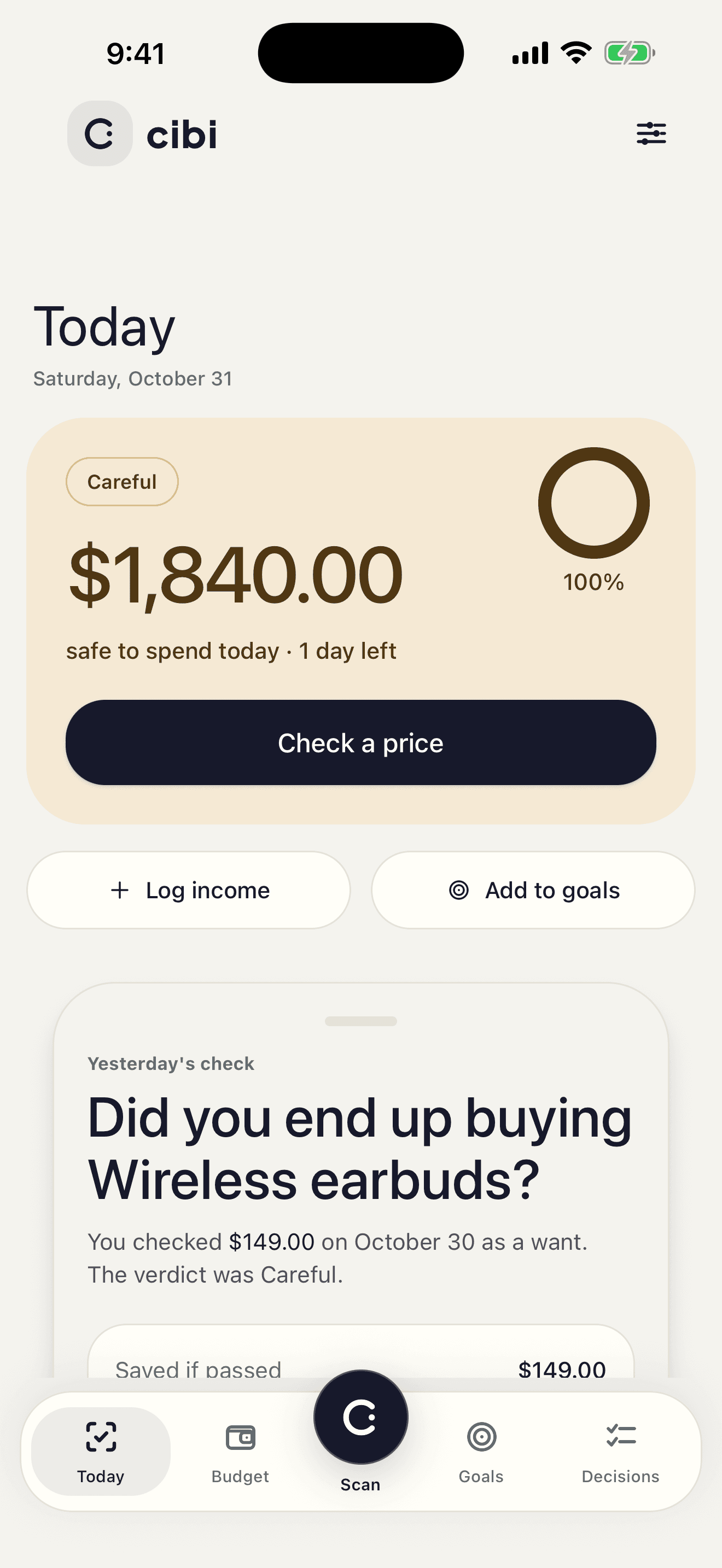
Scan the price. CIBI checks it against this month's budget and says Safe, Careful or Over.
iPhone and iPad, iOS 15.5 or later
- No bank connection
- English and Arabic
Try a price. This month has $640 left, $180 of it for shopping.
Fits your shopping limit. You'd have $550.10 left this month.
- Shopping left
- $90.10
- Month left
- $550.10
How it works
- 01
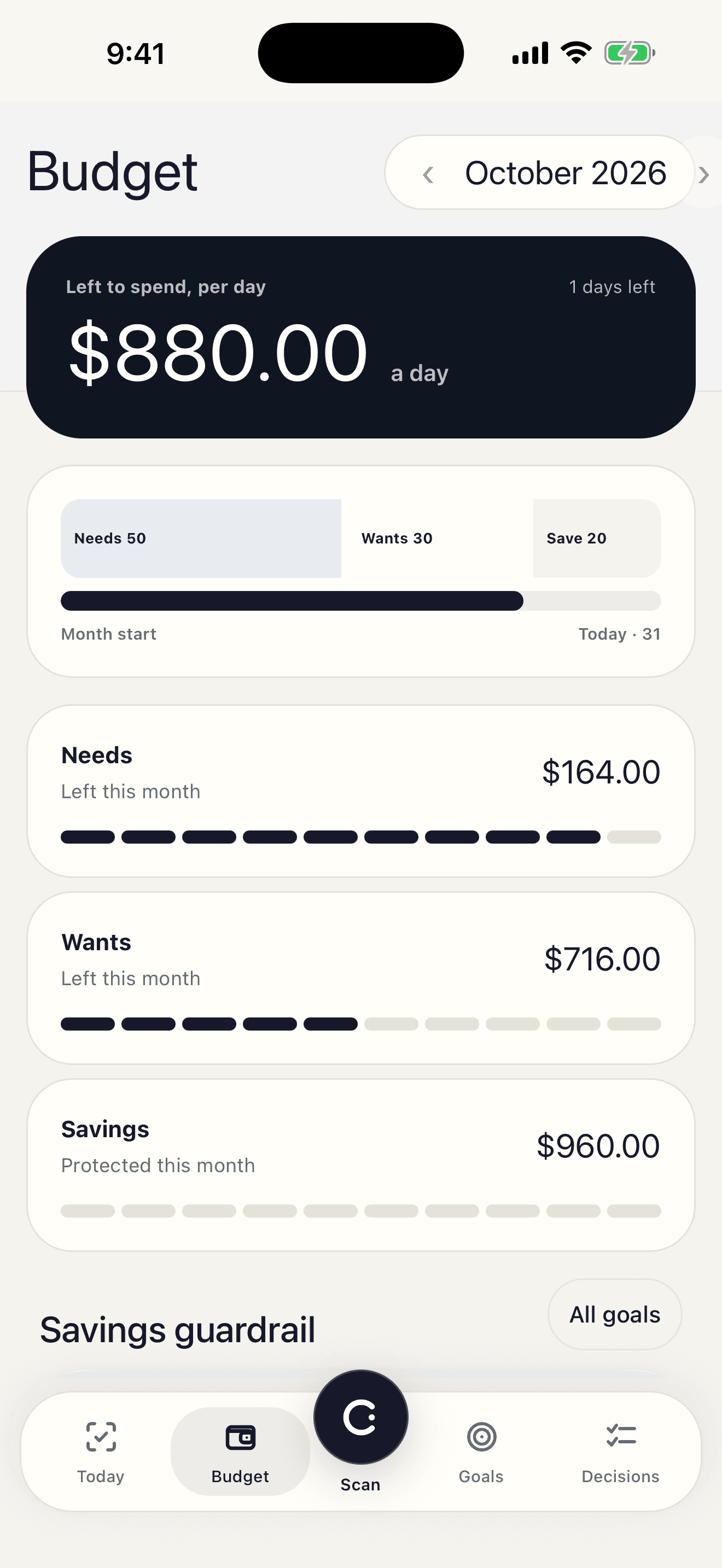
Enter your month
Income, recurring costs and category limits. You type them in once and change them when they change.
- 02
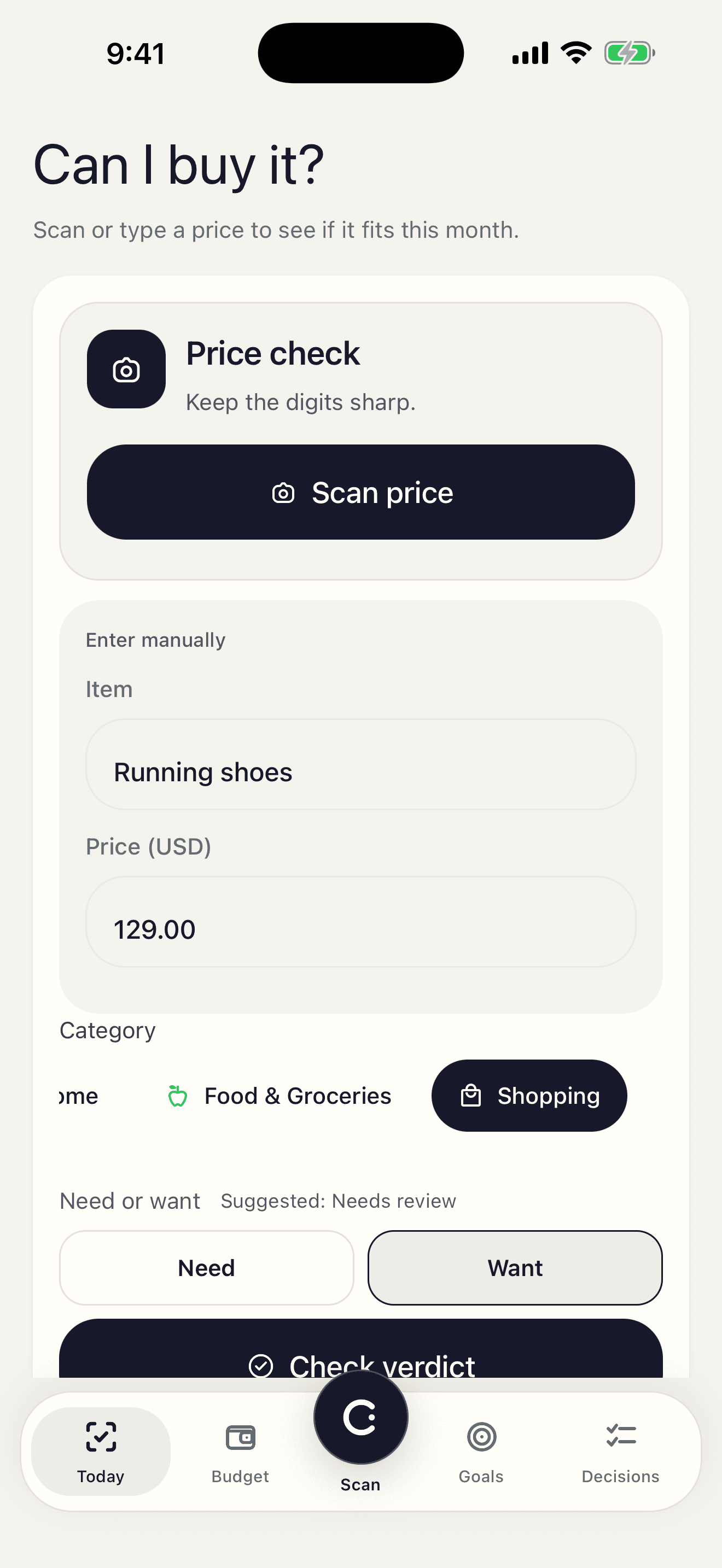
Check a price
Point the camera at a tag, pick a photo from your library, or type the amount.
- 03
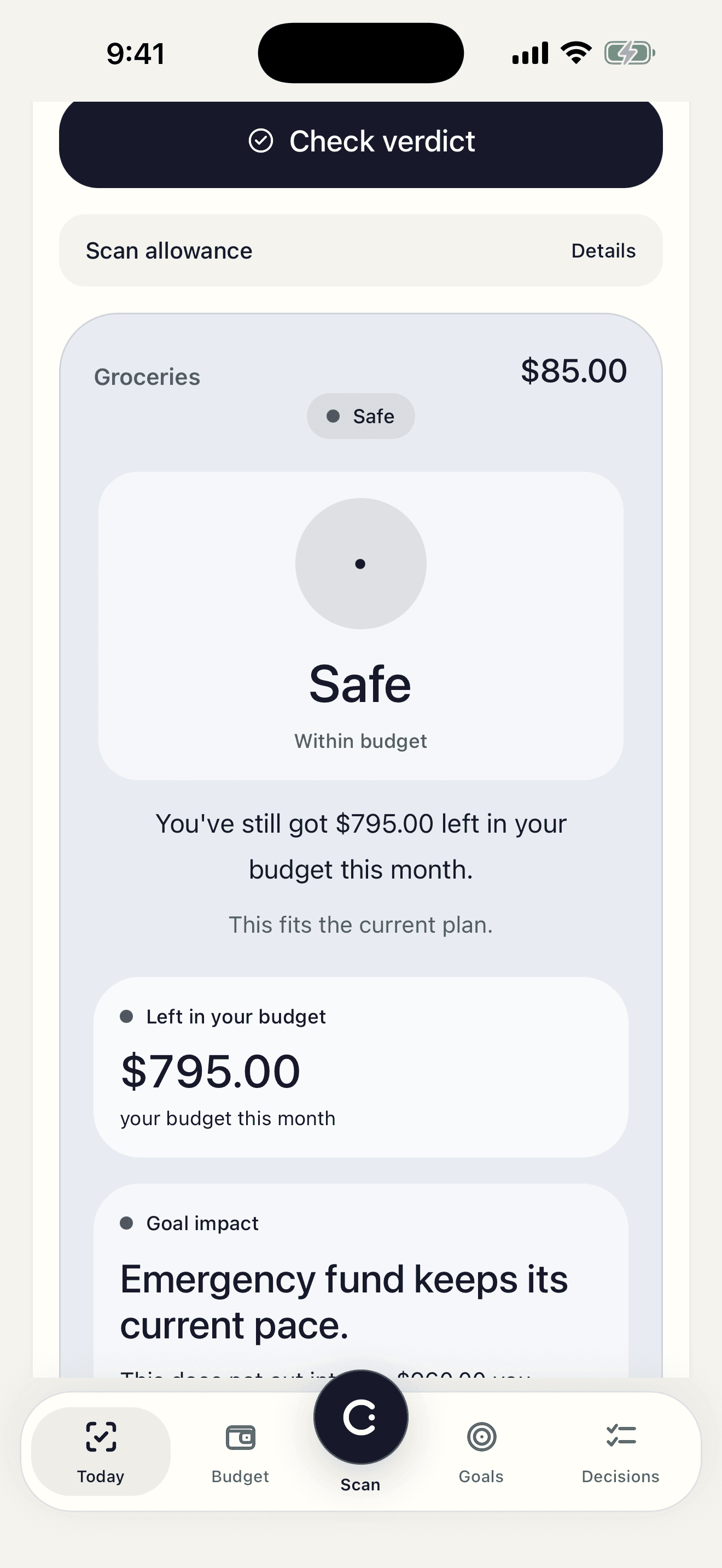
Decide
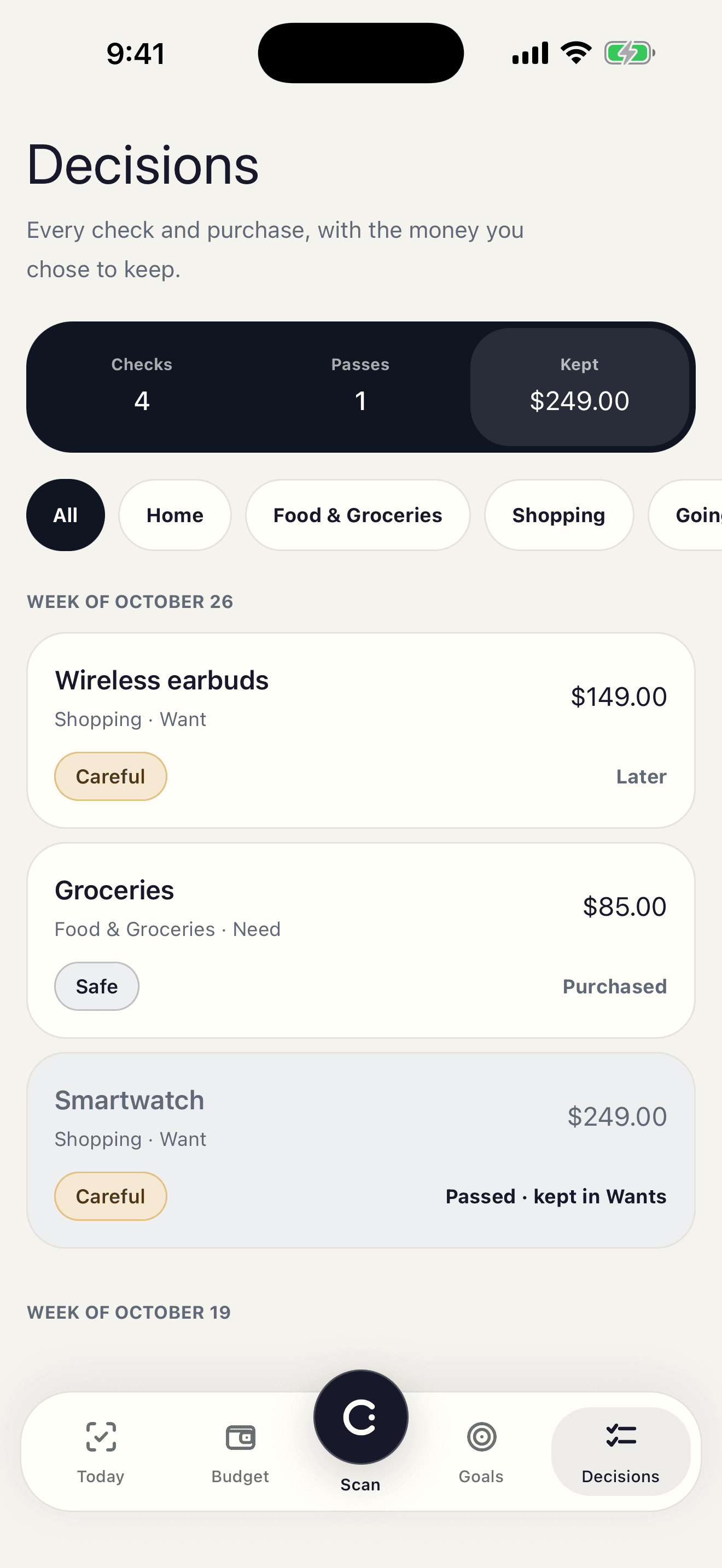
Mark it purchased, passed, or decide later. CIBI keeps a history of your decisions.
Log what you spend
Photograph a receipt and CIBI reads the lines for you to review, or add a purchase by hand. Whatever you log comes off what's left this month, so your next check uses current numbers.
Price
Free
Price checks are free and unlimited, and typing a price always works. You also get 20 free camera scans a month.
CIBI Pro
Adds Impact Analysis, which shows how a purchase moves your savings goal, and camera scans beyond 20 a month.
$4.99 a month, or $34.99 a year (about $2.92 a month).
Prices in US dollars. The App Store shows your local price before you pay.
Questions
Do I have to connect my bank?
No. CIBI has no bank connection. You enter your income, recurring costs and category limits, and it works from those and from what you log.
What does the verdict look at?
Your monthly income, recurring costs, category limits, and what you have already spent this month. After a check you see how much of the month would be left.
Which languages and currencies?
English and Arabic. You choose your currency when you set up.
Which devices?
iPhone and iPad on iOS 15.5 or later. There is no Android version yet.
Do I need an account?
Yes, you sign in with Apple or Google. You can delete the account and your data from Settings.
What happens to my photos?
A photo leaves your phone only when you choose to scan, and only so an AI provider can read the price. It is not saved to your account. The privacy policy has the full details.
How do I report a problem?
Go to Settings and tap Report a problem, or email support@getcibi.com.
Budget before you buy.
Free to download. Price checks are unlimited.
iPhone and iPad, iOS 15.5 or later